Software used
-
1.caDNAno v0.2
DNA Origami CAD Software
caDNAno has a fantastic easy to learn interface for designing DNA Origami structures. It was the first CAD Designing software that we learnt, and used it initially to create 2D structures. We created a map of Gujarat and a map of India using caDNAno and were very impressed with the auto-stapling feature it provides. We even used the Sq-caDNAno variant of caDNAno for designing some of our structures. Once we were comfortable with designing 2D structures, we decided move one step ahead and started creating 3D DNA Origami structures. caDNAno was used for designing 3D structures using Single-shape DNA Origami, which we have discussed here.
-
2.Nano Engineers I
CAD for Nanoscale Design
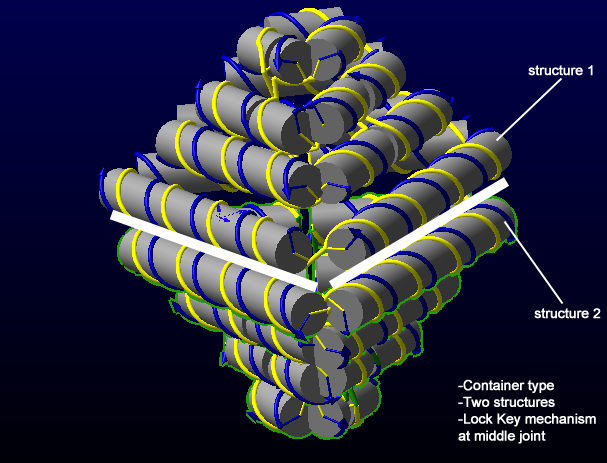
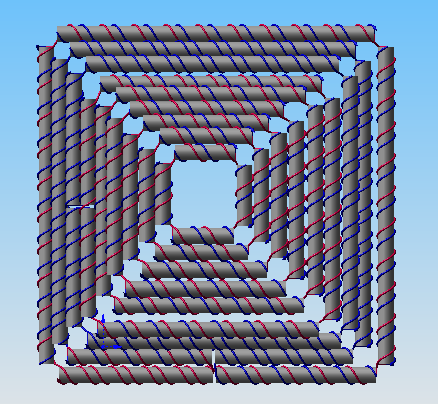
We first used Nano Engineers I when we started with 3D DNA Origami. We used it for making all the 3D models in Designing Technique-2 that we used in our project. Although the learning curve of Nano Engineers is a bit stiffer than caDNAno, it is a much more powerful software for designing 3D structres. However, if one has prior experience in CAD software, then it is easier to learn this tool. We went through all the tutorials given on its website and found many interesting features provided in it. The drag-drop interface helps in designing structures faster. The structures available in the library also helped us in understanding how to model 3D shapes using it. Once a firm understanding of the software is achieved, highly complex structures can be made using Nano Engineers.
-
3.Autodesk Maya
3D Animation and Modelling software
Autodesk Maya was used extensively used throughout the project for modelling, prototyping and clearly visualizing 3D structures. Maya has been the go-to tool for us when it comes to three-dimensional modelling and animation. We have also done projects prior to BIOMOD-2011 where we used Maya for similar purpose. Infact, Avinash did his college Research Internship studying the problem of Rigid Motions using Maya. For BIOMOD-2011, we used Maya only for basic prototyping since there are dedicated CAD software available for 3D DNA Origami itself like caDNAno and Nano Engineers. The most useful feature of Maya which helped us in quickly forming basic prototypes during our rigorous brainstorming sessions, is the drag drop feature available for the polygon and surface tool, which allows us to utilize ready to use draggable objects like sphere, cube, polygon cylinder, polygon cone, polygon pipe, torus etc. and perform various useful actions such as bridge, extrude and merge.
-
4.Autodesk Sketchbook
Digitally sketching and painting
We used Autodesk Sketchbook express for freehand sketches and diagrams while making the youtube video for our project. It was used along with Wacom tablet, and it was really convenient for us that way.
-
5.Adobe Photoshop
Digital picture & photo editing software
Adobe Photoshop needs no introduction. It has been one of the most critical softwares for our project and was extensively used for image composotion and editing for our Wiki and Video. We took the rendered images from Maya and edited them according to our needs in Photoshop so suit the design of the Wiki. This made our workflow easy and allowed us to make this wonderful Wiki for our project which is filled with lots of images.